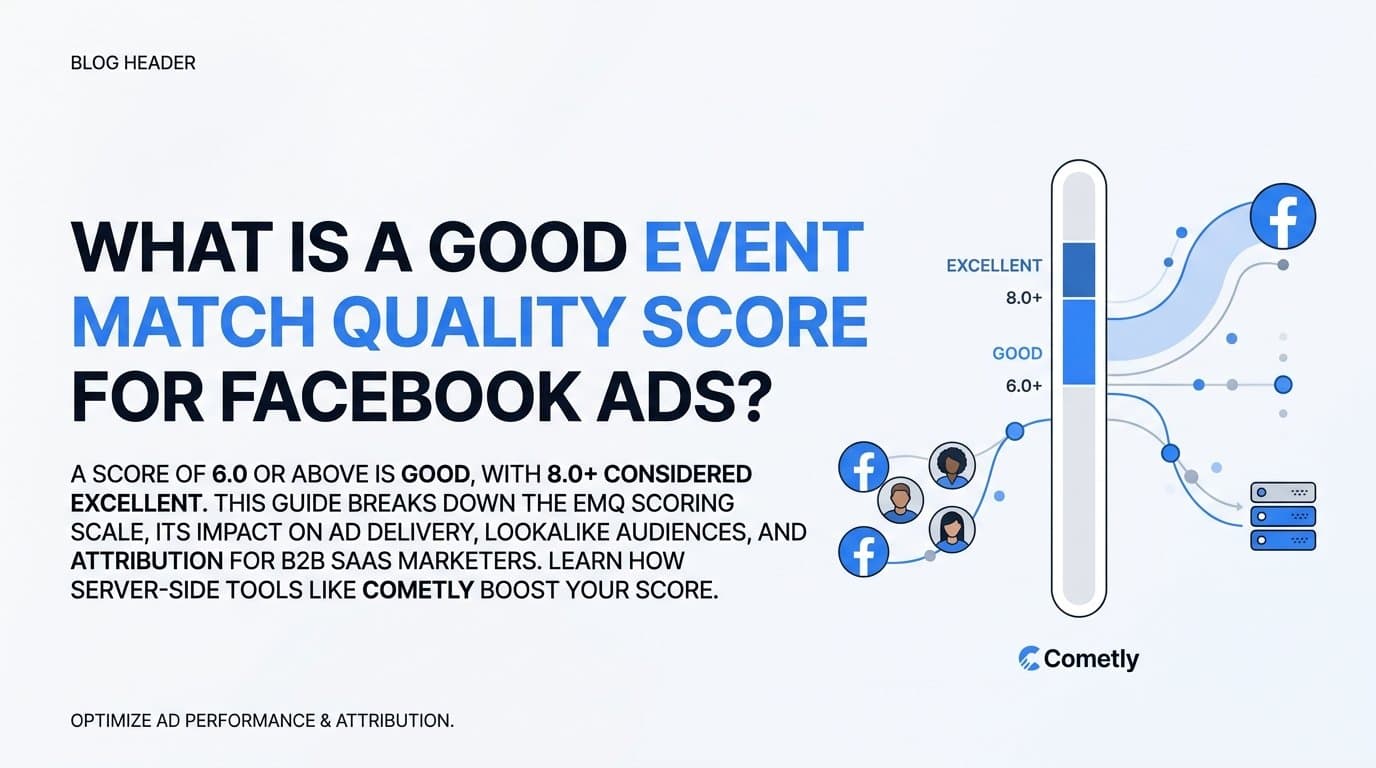
A good Event Match Quality (EMQ) score for Facebook Ads is 6.0 or above on a 10-point scale, with scores of 8.0 or higher considered excellent. EMQ measures how well the customer data attached to your conversion events matches actual Facebook user profiles, and the higher your score, the better Facebook can optimize your ad delivery, attribution, and audience targeting.
For B2B SaaS marketers, where deal cycles are long and every conversion signal counts, EMQ is not a vanity metric. It is a direct input into how Facebook's algorithm finds your best buyers, builds lookalike audiences, and decides how to spend your budget. A weak score means Facebook is working with incomplete information. A strong score means it has what it needs to do its job well.
Cometly is built specifically to help B2B SaaS teams improve their EMQ by sending enriched, server-side conversion data through the Conversions API. Instead of relying on a browser pixel alone, Cometly connects your ad platforms, CRM, and website to deliver complete customer parameters with every event. The rest of this guide breaks down how EMQ is scored, what the ranges mean in practice, and exactly how to push your number higher.
How Facebook Calculates Your Event Match Quality Score
Facebook scores each conversion event on a scale from 0 to 10 based on two things: how many customer information parameters you send with the event, and how reliably those parameters match a real Facebook user profile. The score shown in Events Manager is an average across your recent events, but the scoring happens at the individual event level. Every single conversion gets evaluated on its own.
The parameters Facebook uses to calculate match quality are specific. According to Meta's developer documentation, the highest-value identifiers are email address and phone number. These two carry the most matching weight because they are the most unique and consistent identifiers Facebook holds for its users. Beyond those two, the parameters that contribute to your score include first name, last name, date of birth, gender, city, state, zip code, country, and external ID.
The logic is straightforward. If you send only an email address with a conversion event, Facebook has one data point to work with. If you send an email address, phone number, first name, last name, and zip code, Facebook has five data points to cross-reference against its user database. More parameters mean a higher probability of a confident match, which translates directly to a higher EMQ score.
All customer parameters are hashed before they leave your server or browser, meaning the actual personally identifiable information is never transmitted in plain text. Facebook hashes its own user data on the same standard and compares the results. This process is what makes the matching both privacy-safe and technically precise.
One important nuance: sending a parameter is not enough on its own. The data has to be accurate. A misformatted phone number or an email address that does not match what a user registered with Facebook will not contribute meaningfully to your score. Data quality and data completeness work together. You need both to see your EMQ move in the right direction.
What the Score Ranges Actually Mean for Your Campaigns
Understanding the number on your Events Manager dashboard is one thing. Understanding what it means for your campaign performance is another. Here is how to interpret each range in practical terms.
Below 4.0: Urgent territory. A score in this range signals that Facebook cannot reliably match your conversion events to user profiles. This weakens everything downstream. Your lookalike audiences are built on incomplete signals. Your retargeting pools may be missing large segments of people who actually converted. And your conversion optimization is working with noisy data, meaning Facebook's algorithm is making delivery decisions based on poor information. If your EMQ is below 4.0, it should be treated as a tracking problem that needs immediate attention.
4.0 to 6.9: Average, but not good enough. Most pixel-only implementations land somewhere in this range. You are getting some match quality, but you are leaving optimization potential on the table. Facebook can work with this data, but it is not working with a complete picture. Lookalike audiences will be functional but not as precise as they could be. Conversion optimization will run, but the algorithm is making decisions with less confidence than it could have.
7.0 and above: Where performance differences become visible. At this level, Facebook has enough data to match events with high confidence, which feeds better signals into the delivery algorithm. Audience quality improves, ad delivery becomes more efficient, and the system can find users who genuinely resemble your best customers. The improvements are not always immediate or dramatic, but over the course of a campaign they tend to compound.
8.0 and above: A competitive advantage. Scores in this range represent strong first-party data hygiene and typically indicate that server-side tracking is in place with meaningful parameter enrichment. At this level, you are giving Facebook's algorithm a competitive edge in the auction. Your events are informative, your audiences are precise, and your optimization signals are clean. For B2B SaaS companies competing in expensive, high-intent verticals, this difference matters.
The key takeaway is that 6.0 should be your floor, not your target. Treat 8.0 as the goal you are actively working toward, and treat anything below 4.0 as a signal to stop and fix your tracking setup before spending more budget.
Why Pixel-Only Tracking Keeps Your Score Low
The browser pixel was the standard for Facebook conversion tracking for years, and it still plays a role. But relying on it exclusively creates a structural ceiling on your EMQ score, and that ceiling has gotten lower as browser privacy restrictions have increased.
The core problem is that browser-based pixels are blocked or limited in a growing number of situations. Ad blockers prevent the pixel from firing entirely. Apple's Intelligent Tracking Prevention (ITP) in Safari restricts cookie lifespans and limits data collection. iOS App Tracking Transparency prompts lead a significant portion of users to opt out of cross-app tracking. The result is that a meaningful share of your conversion events simply never reach Facebook, and the ones that do often arrive with incomplete customer data attached.
There is also a data richness problem that is separate from blocking. A browser pixel can only capture information that is available in the browser at the moment the event fires. On a thank-you page after a form submission, that might include a hashed email address if you pass it through the event. But it typically will not include a phone number, date of birth, or other parameters that live in your CRM. The pixel does not have access to your backend data. It only knows what the browser knows.
This is why pixel-only implementations tend to cluster in the 4.0 to 6.9 EMQ range. They are sending some data, but not all the data that could raise the score.
Server-side tracking via the Conversions API solves both problems. Events sent through CAPI travel directly from your server to Meta's servers, bypassing the browser entirely. Ad blockers cannot intercept them. iOS restrictions do not apply. And because the events originate from your server, you can attach CRM-level data before they are sent. That means including verified email addresses, phone numbers, and other parameters that the pixel would never have access to.
The result is events that arrive at Facebook with more parameters, more accurate data, and no dependency on browser conditions. That combination is what pushes EMQ scores into the 7.0 and above range consistently.
How to Improve Your Event Match Quality Score
Improving your EMQ is not a single action. It is a systematic effort to send more complete, more accurate customer data with every conversion event. Here is how to approach it.
Start with the highest-impact parameters. Email address and phone number carry the most matching weight in Facebook's scoring model. If you are not already passing hashed email with every conversion event, that is the first thing to fix. Phone number is the second priority. Together, these two parameters alone can meaningfully lift your score. Once those are in place, add name, location fields, and date of birth where your data allows.
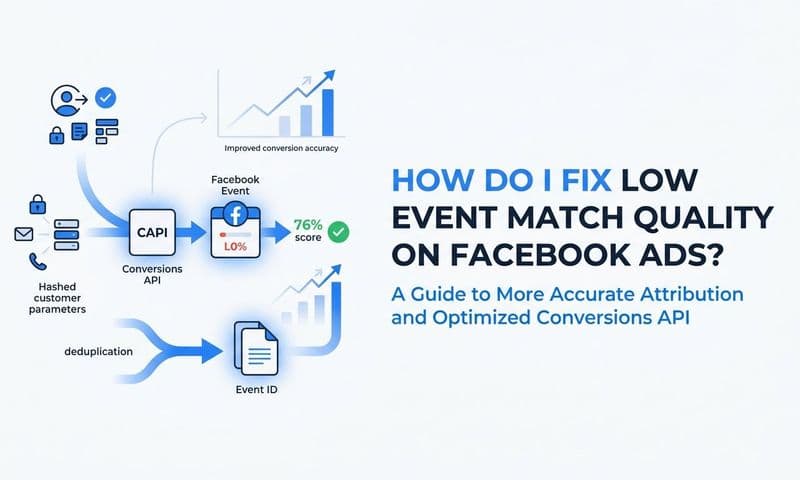
Implement CAPI alongside your pixel, not instead of it. The recommended approach from Meta is to run both the browser pixel and the Conversions API simultaneously. The pixel captures real-time browser signals. CAPI captures server-side events with richer data. Running both gives you redundancy and data richness at the same time. The critical requirement when running both is event deduplication. If the same conversion fires through both the pixel and CAPI without deduplication, Facebook will count it twice. Deduplication is handled via the event_id parameter, which must match between the pixel event and the CAPI event for the same conversion.
Enrich your server-side events with CRM data before sending. This is where the biggest EMQ gains come from. When a lead converts on your site, your CRM often holds more complete information about that person than the browser does. A verified email collected at lead capture, a phone number from a sales form, a company name from enrichment. If you can attach these parameters to the CAPI event before it reaches Facebook, your match quality improves significantly.
Doing this manually requires engineering work: building a pipeline that pulls CRM data, formats it correctly, hashes it, and sends it to the Conversions API in real time. For most marketing teams, that is not a realistic option without developer support.
This is where Cometly removes the barrier. Cometly automatically enriches conversion events with first-party CRM data before sending them to Facebook via the Conversions API. It connects your ad platforms, CRM, and website into a single tracking layer, so every event that reaches Meta carries the most complete customer profile your data allows. For B2B SaaS teams that want to improve EMQ without building custom server infrastructure, Cometly handles the technical complexity while giving marketers full visibility into which ads and touchpoints are actually driving revenue.
Related Questions Marketers Ask About EMQ
Does a higher EMQ score directly lower my cost per result?
A higher EMQ score gives Facebook's delivery algorithm better signals to work with, which typically leads to more efficient auction performance over time. Better match quality means the system can identify and target users who genuinely resemble your converters, which tends to improve delivery efficiency and reduce wasted spend. That said, EMQ is one of several factors that influence cost per result. Creative quality, audience size, bid strategy, and competitive auction dynamics all play a role. A higher score improves the quality of your optimization signals, but it does not guarantee a specific cost reduction on its own.
What is the difference between Event Match Quality and match rate?
Match rate measures the percentage of your conversion events that Facebook can match to any user profile at all. EMQ measures the quality of the data attached to the events that do get matched. Both metrics matter, but they diagnose different problems. A low match rate means many events are not being attributed to any user. A low EMQ means the events that are being matched are arriving with incomplete data. For most B2B SaaS teams, improving EMQ has more direct impact on optimization because it affects the signal quality feeding into Facebook's delivery algorithm, not just whether a match occurred.
Can I improve EMQ without a developer?
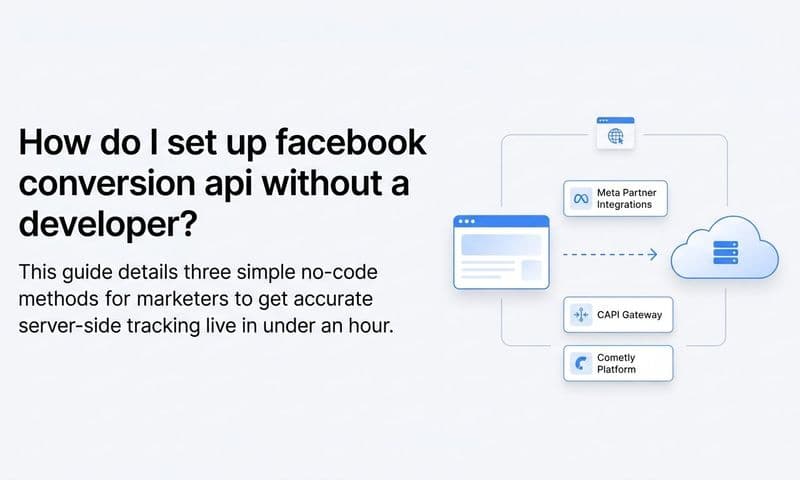
Yes. Tools like Cometly and Meta's native Conversions API Gateway allow marketers to implement server-side tracking and data enrichment without writing custom server code. Cometly in particular is designed for marketing teams that want the benefits of CAPI and first-party data enrichment without depending on engineering resources. The platform handles event formatting, hashing, deduplication, and CRM data integration automatically, so marketers can improve their EMQ score through a configuration-based setup rather than a custom development project.
How often does my EMQ score update?
Facebook updates the EMQ score shown in Events Manager based on recent event data. It is not a static score tied to a single event or time period. If you improve your parameter coverage by implementing CAPI or enriching your events with CRM data, you should see your score begin to reflect those changes as new events flow through your tracking setup. The timeline for visible improvement depends on your event volume and how significantly your parameter coverage has changed.
Putting It All Together
The benchmarks are clear. Aim for 6.0 as your minimum acceptable score. Target 8.0 as the level where your tracking setup is genuinely competitive. Treat anything below 4.0 as an urgent problem that deserves immediate attention before you invest more budget into Facebook Ads.
The path to a higher score runs through three things: richer first-party data, server-side event delivery via the Conversions API, and systematic data enrichment before events reach Meta. None of these require you to collect more data from your users. They require you to use the data you already have more effectively, passing it to Facebook in a format that raises match confidence on every conversion event.
For B2B SaaS companies specifically, this matters more than it might for simpler business models. Your customer journey spans multiple sessions, multiple touchpoints, and often weeks or months between first click and closed deal. Accurate event matching is foundational to understanding which ads are actually driving pipeline, not just which ones are generating clicks.
Cometly is the attribution and tracking layer that connects your ad platform data, CRM events, and server-side delivery in one place. It sends enriched conversion events to Meta via the Conversions API, gives your AI-driven ad platforms better data to optimize against, and surfaces the full customer journey so you can see which sources are actually converting to revenue. You get higher EMQ scores, better attribution, and AI-powered recommendations, all without relying on engineering to build and maintain custom tracking infrastructure.
If your EMQ score is not where it needs to be, the fix is within reach. Get your free demo today and start sending the kind of enriched, server-side conversion data that gives Facebook's algorithm what it needs to work in your favor.